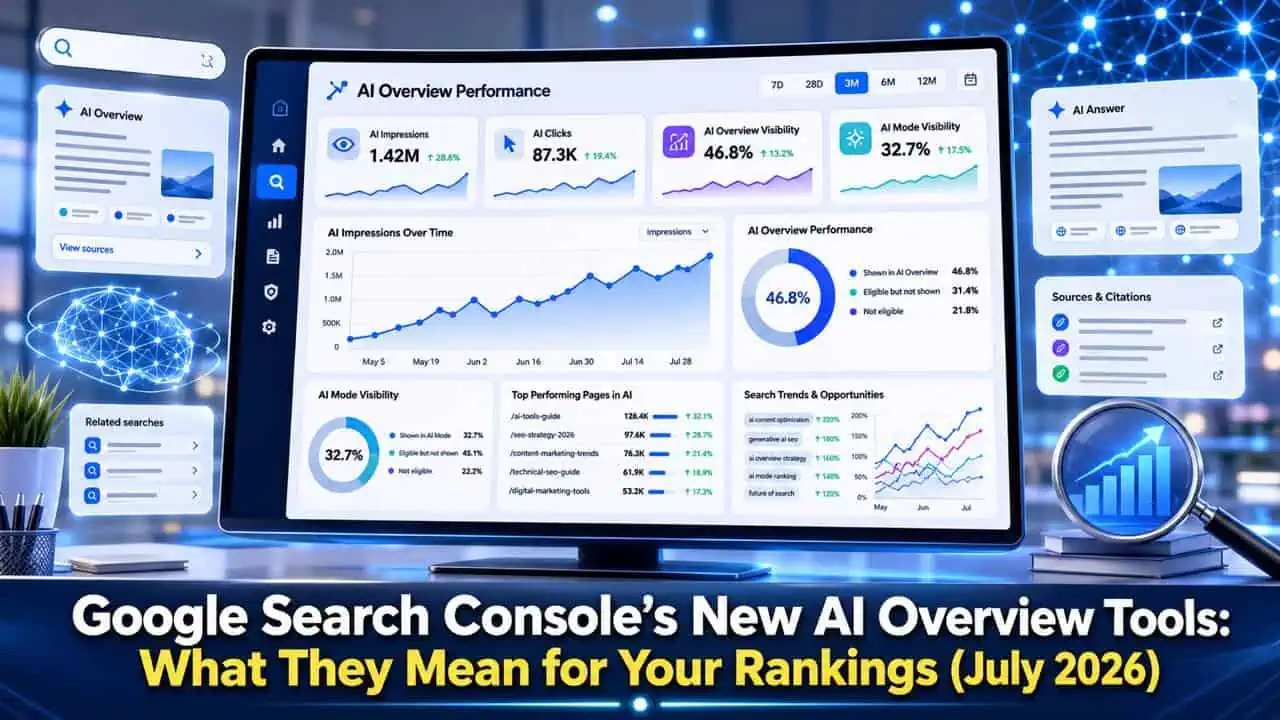
Search Console now has two new tools worth knowing about: an AI Performance report showing impressions from AI Overviews, AI Mode, and AI features in Discover, and a toggle that lets sites opt out of appearing in those AI surfaces while staying fully visible in regular search results. Neither tool shows clicks or query-level data yet, and the opt-out toggle launched UK-first under a regulatory mandate before expanding elsewhere.
If you’ve opened Search Console recently and noticed a new report labeled around AI performance, you’re not misreading your dashboard. Google quietly rolled out real tools this year for something SEOs have been asking about since AI Overviews first ate into click-through rates: visibility into how often your content shows up inside Google’s AI-generated answers, and some control over whether it does at all.
July 2026 didn’t bring a big core update. Instead, Google spent the month refining the AI layer sitting on top of search results, adding a live news carousel, AI-generated images, and new citation displays inside AI Overviews, while Search Console gained the reporting and control tools site owners have wanted since these features launched. Here’s what’s actually new, what it means for your traffic, and what to check first.
What Actually Changed in July 2026
Two Search Console features are behind most of the recent conversation, and they arrived a bit earlier than July but matured and expanded through the month:
- A dedicated AI Performance report, giving site owners a separate view of impressions from Google’s generative AI search features.
- An AI visibility toggle, letting eligible sites opt out of AI Overviews, AI Mode, and AI features in Discover without affecting their standing in regular search.
Alongside those two tools, AI Overviews itself picked up new surfaces this month: a live Top Stories carousel for developing news topics, AI-generated images inside answers, and expanded citation displays that make it clearer which sources an AI answer is pulling from. None of this was a single dramatic announcement. It was a steady month of Google building out infrastructure around a feature that’s already reshaping how people search.
The New AI Performance Report in Search Console
Google introduced a standalone Generative AI performance report inside Search Console in June 2026, and it’s continued to expand access through the summer. The report separates impressions from AI Overviews and AI Mode out from your regular organic data, something Search Console had never done before this year.
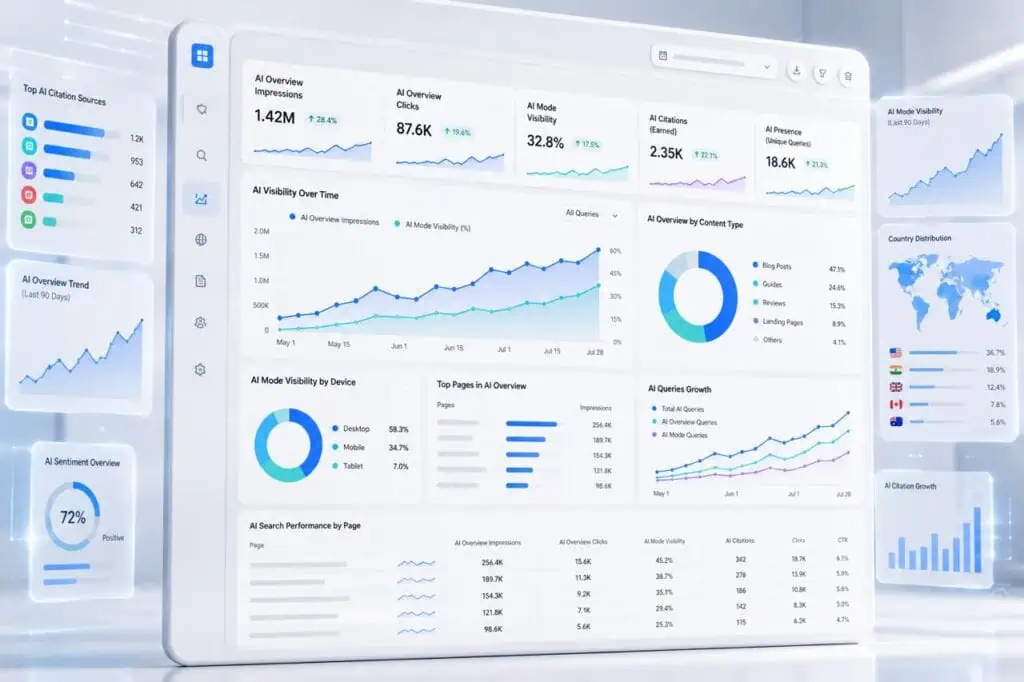
Here’s what the report currently shows:
- Impressions specifically from AI Overviews and AI Mode
- Which pages are generating those impressions
- Country-level breakdowns
- Device breakdowns (mobile vs. desktop)
Here’s what it doesn’t show yet, and this is the detail that trips a lot of marketers up:
- No click data
- No click-through rate
- No query-level detail showing which searches triggered your AI appearance
That gap matters. It means you can now see that your pages are showing up inside AI Overviews far more than you assumed, but you can’t yet connect that visibility to actual traffic, or know exactly which questions triggered it. Treat the current report as a visibility signal, not a performance metric you can optimize against directly. Google has a track record of expanding these reports gradually rather than shipping everything at once, so click and query data may well follow.
The AI Visibility Toggle: What It Controls (and What It Doesn’t)
The second big addition is more consequential for anyone thinking about opting out of AI features entirely. Search Console added a toggle that controls whether your content can appear in three specific surfaces:
Surface | Covered by the toggle? |
AI Overviews | Yes |
AI Mode | Yes |
AI features inside Discover | Yes |
The standalone Gemini app | No |
Regular organic search results | Not affected either way |
That last row is the important one. Opting out of AI Overviews doesn’t pull you out of regular search. Your pages stay indexed and ranked exactly as before. What changes is whether Google’s AI features can pull from your content when generating an answer.
This rolled out UK-first, taking effect on June 17, 2026, under a mandate from the UK’s Competition and Markets Authority. It’s a meaningful detail: this wasn’t Google volunteering more publisher control out of goodwill. It came from regulatory pressure, specifically UK competition law, which is worth knowing if you’re wondering whether a similar option will show up in other regions and when.

One more limitation worth flagging: the toggle doesn’t reach into Gemini. If your content gets referenced inside Google’s standalone AI assistant app, that runs through a different product and a different data pipeline, so opting out of Search AI features won’t affect it.
What Changed on the AI Overviews Side
While Search Console was catching up on reporting and controls, AI Overviews itself kept evolving:
A live Top Stories carousel.
Confirmed fully live for US mobile users on July 17, 2026, this carousel appears inside AI Overviews for searches about developing topics, surfacing timely articles alongside the AI-generated summary. For news publishers, this is the first dedicated freshness surface built directly into the AI answer box, meaning a fast, well-sourced article on a breaking topic now has a real path into visibility that didn’t exist before.
AI-generated images.
AI Overviews began generating supporting visuals directly inside answers rather than relying solely on pulled images from source pages.
Expanded citation displays.
Google has been layering in features like “Highly Cited” badges that flag original reporting, Preferred Sources highlighting for publications a user already follows, and more visible inline links pointing back to source pages. Data from industry trackers shows a real shift underneath these changes: top-10 ranked pages accounted for roughly three-quarters of AI Overview citations in mid-2025, but that share had dropped to under 40% by early 2026. Ranking well no longer guarantees you’ll be cited. Passage-level relevance and how consistently your information matches other sources now matter more than raw ranking position.

How to Read Your New AI Data Without Overreacting
It’s tempting to open the new AI Performance report, see a spike in impressions, and assume that’s straightforwardly good news, or to see low numbers and panic. Neither reaction is well-founded yet, mostly because clicks aren’t part of the picture.
A more useful approach: use the AI Performance report as a discovery tool, not a scoreboard. If a page shows heavy AI impressions but you know its regular organic clicks have been flat or falling, that’s a real signal worth investigating; it likely means the AI Overview is answering the query directly and satisfying the searcher before they ever reach your site. If a page shows low AI impressions despite ranking well organically, that can point to a structural issue, like content that isn’t answer-first or lacks the schema markup that helps Google pull a clean summary.
A Practical Checklist for This Week
If you manage a website’s SEO, here’s where to start:
- Open Search Console and confirm you have access to the AI Performance report. Access has been expanding gradually, so not every property will see it yet.
- Filter your existing Performance report by “AI Overviews” and “AI Mode” to compare impression trends against your standard organic numbers.
- Identify your top pages by AI impressions, then check whether their organic clicks have dropped over the same period.
- Audit those pages for citation readiness: a clear, answer-first opening paragraph, well-structured headings, and accurate Product, Review, or FAQ schema where relevant.
- If you’re in the UK, check whether the AI visibility toggle is available for your property, even if you don’t plan to use it yet.
Should You Turn On the Opt-Out Toggle?
For most sites, the honest answer right now is: probably not yet. Turning off AI Overview visibility means giving up a citation opportunity that, done well, can still drive qualified clicks through the “Highly Cited” and Preferred Sources features Google has been rolling out. Unless you have a specific business reason to keep your content out of AI-generated summaries, such as licensing concerns or a content model built entirely around direct site visits, staying opted in and optimizing for citation is the more common-sense move.
Where the toggle makes more sense is for publishers who’ve measured a clear, sustained drop in clicks tied to AI Overviews appearing on their exact-match queries, and who’ve concluded that the citation isn’t converting into traffic worth the trade-off. That’s a measurement problem first. Without click data yet, most sites don’t have enough evidence to make that call confidently.
RELATED ARTICLE: Could the Government Shut Down AI Models Like ChatGPT? New Bill Explained
Key Takeaways
- Search Console added a dedicated AI Performance report showing impressions from AI Overviews, AI Mode, and AI features in Discover.
- The report currently lacks click, CTR, and query-level data, so treat it as a visibility signal rather than a full performance metric.
- A new AI visibility toggle lets sites opt out of AI Overviews, AI Mode, and Discover AI without affecting regular search rankings.
- The toggle does not cover the standalone Gemini app, and it rolled out UK-first under a CMA regulatory mandate.
- AI Overviews itself gained a live Top Stories carousel, AI-generated images, and expanded citation features like Highly Cited badges in July 2026.
- Top-ranking pages no longer guarantee AI citation. Passage-level relevance and cross-source consistency now matter more than position alone.
- Most sites should measure first and stay opted in rather than rushing to disable AI visibility.